Cloud migration services that plan for the bill after the move
Workloads moved to AWS, Azure or GCP in waves, with a rollback for each one, and cost controls in place before the first invoice arrives rather than after.
- AWS
- Microsoft Azure
- Google Cloud
- Terraform
- Docker and Kubernetes
- PostgreSQL
- GitHub Actions
- On-premise servers
- Self-managed databases
- Batch jobs and file stores
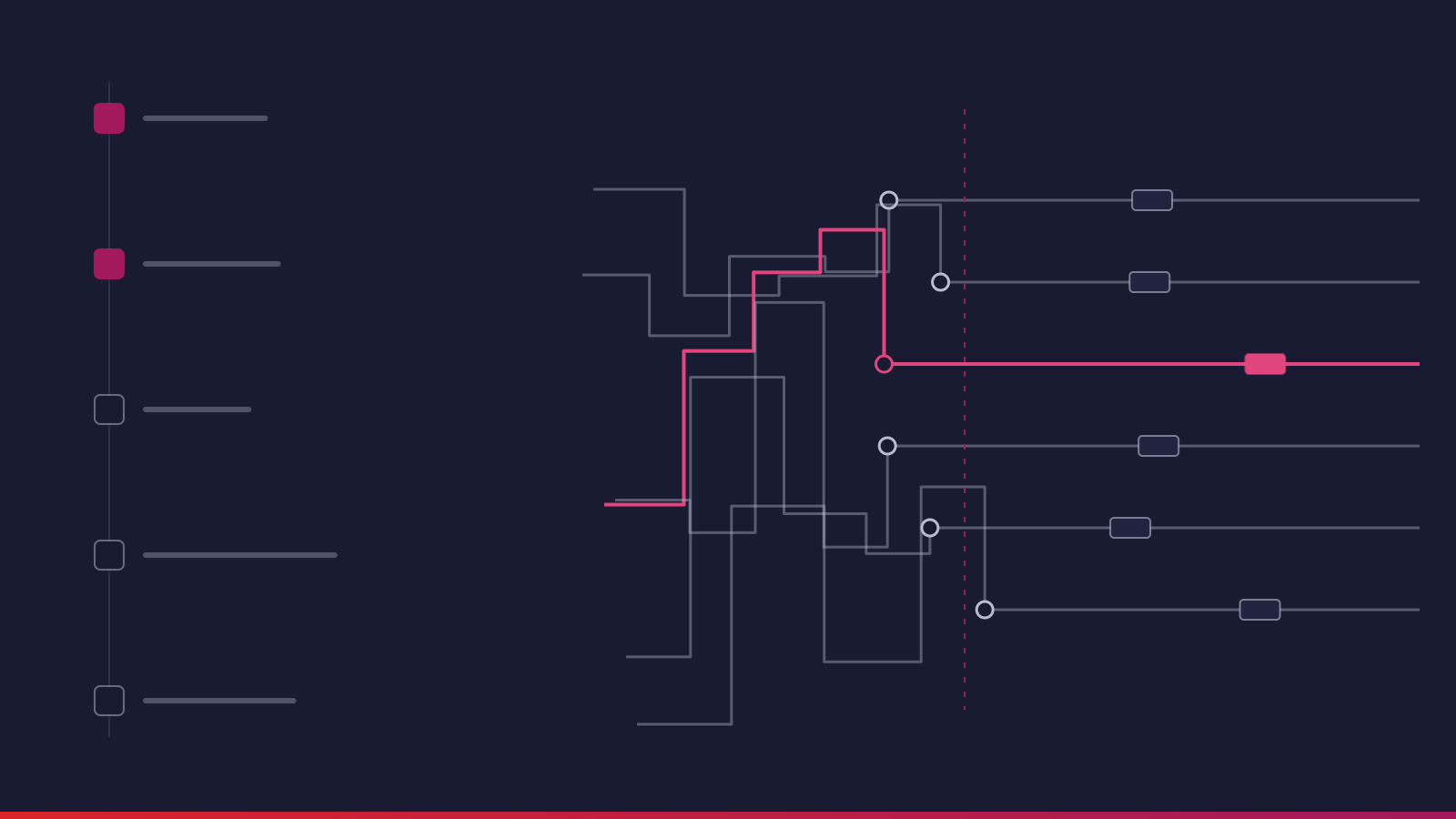
- 01 Map dependenciesretire list signed off by owners
- 02 Build landing zoneidentity, network, guardrails as code
- 03 Move in wavesgo or no-go, rehearsed rollback
- 04 Rightsizeafter a full billing cycle
- Workloads on AWS or Azure
- Restore-tested backups
- Budgets with a named owner
What you get
7 deliverables, all yours to keep
- Workload inventory with a path per application
- Landing zone built as code
- Migration waves with rehearsed rollback
- Infrastructure as code for every workload
- Monitoring, alerting and restore-tested backups
- Cost tags, budgets and a rightsizing review
- Runbooks and access handover
Sound familiar?
Who needs cloud migration services
Cloud migration services are usually bought under a deadline: a data center lease, a hardware refresh or an unsupported operating system sets the date, and the plan works back from it. We move applications, databases, file stores and batch jobs onto AWS, Azure or Google Cloud in waves, with a rollback for each one and cost controls in place before the first invoice arrives.
Where an application also blocks business change, the move becomes legacy application modernization. The platforms we have built for clients, including the partner onboarding system for a large-scale energy enterprise, run on AWS.
-
A data center contract ends within a year
Renewing it means buying hardware again, so the deadline sets the plan.
-
Core applications run past vendor support
Servers and database versions keep getting flagged in security reviews.
-
An earlier lift-and-shift left a bigger bill
The monthly cost is now higher than the old hosting, and no one is sure why.
-
Workloads split across AWS and Azure after a merger
Two sets of identity, networking and tooling have to be run side by side.
-
New environments take a quarter to procure
A growth plan or new market needs environments that can be created in hours.
-
Disaster recovery exists only on paper
It has never been tested with a real restore.
The work
Inside a Cloud Migration engagement.
AWS migration, Azure migration and what we move
-
The landing zone, built first
Account or subscription structure, network, identity, logging, encryption and the guardrails that stop a database being opened to the internet, built with Terraform and reviewed like any change.
-
Rehost where the date matters most
Stable applications move onto cloud virtual machines when the goal is leaving a data center by a fixed date.
-
Re-platform where it pays back
Self-managed databases move to managed services, and applications are packaged in containers, where that cuts operating effort.
-
Re-engineer only what blocks change
Full re-engineering is reserved for applications that also block business change, which is where this work meets legacy application modernization.
-
Retire what nobody uses
Discovery nearly always finds workloads nobody uses. They come off the list instead of being paid for in the cloud.
How we plan a migration that stays reversible
- 01
Dependencies decide the waves
We map which applications talk to which databases, which batch jobs run at night and which integrations pass files. Moving an application without its database creates latency and egress costs nobody budgeted.
- 02
A low-risk pilot wave comes first
One or two low-risk applications prove the pipeline, the cutover runbook and the rollback on something that will not make the news if it fails.
- 03
Every wave has a go or no-go check
Each wave gets a scheduled window, data synchronization ahead of the switch and a rehearsed rollback. Databases replicate continuously, so cutover is a short switch rather than a long copy.
- 04
Cloud cost optimization is part of the landing zone
Tags, budgets and alerts go in before the move. After a full billing cycle we rightsize, shut non-production down out of hours and reserve capacity only for usage that has stayed steady.
Where cloud migrations go wrong
-
Moving servers at on-premise size
Hardware was bought for peak load plus growth, and in the cloud that headroom is billed every hour. We size from observed utilization, then adjust after a billing cycle.
-
Discovering a dependency during cutover
Dependency mapping uses network flow data, not only interviews, which catches the reporting job on the old server nobody listed.
-
Security configured by console click
Everything goes through code and review, so settings do not drift and anyone can see who opened what.
-
Backups that have never been restored
We test a restore for each critical workload before sign-off.
-
Nobody owns the bill
We name the owner and set a monthly review cadence during handover.
-
Licensing surprises, or migrating the mess
Every commercial license is checked in discovery, and a retire list of unused databases, stale file shares and forgotten cron jobs is signed off by each business owner.
How it runs
From first call to production.
-
Discovery and inventory
About a week mapping applications, dependencies, data volumes and licensing constraints. Some workloads come off the list here.
-
Landing zone
The target accounts, network, identity and security guardrails are built as code and reviewed before any workload moves.
-
Pilot wave
One or two low-risk applications move first to prove the pipeline, the cutover runbook and the rollback.
-
Migration waves
Remaining workloads move in groups defined by dependency, each with a scheduled window, a go or no-go check and a rehearsed rollback.
-
Optimize and hand over
After a full billing cycle we rightsize, remove idle resources, set reservations where usage is steady, and hand over runbooks.
Team and timeline
3–5 weeks
for discovery plus a first migration wave
Indicative. Actual duration depends on requirements and complexity, and can change.
Who works on it
- Cloud architect
- DevOps engineers
- Database specialist
- QA engineer
- Application developers
Engagement model
Fixed Cost works for a well-inventoried estate with a clear target. Agile Time & Material suits larger migrations where discovery will change the plan. Ongoing operations can continue under a Dedicated Team.
Good to know
Your side provides application owners who can confirm dependencies and sign off the retire list, and someone who can approve change windows. Larger or less documented estates run as Agile Time & Material, typically 3–6 months in waves.
Proof
Where we have built this.

How a leading energy enterprise reduced partner onboarding time by 45%
faster partner onboarding

How a global healthcare organization increased appointment bookings by 40%
increase in daily bookings
FAQ
Cloud Migration: common questions.
What do cloud migration services include?
An inventory of your applications and their dependencies, a decision per workload on how it should move, a secured target environment, the migration itself in planned waves, and the monitoring, backup and cost controls needed to run it afterwards. Good cloud migration services also include what to leave behind: some workloads are better retired or kept on premise, and that call belongs in discovery.
Should we choose AWS or Azure for our migration?
Start from what your organization already runs. Heavy Microsoft licensing, Active Directory and Office 365 usage usually make Azure migration simpler and cheaper to govern. Teams with existing AWS accounts, a container-first stack or services built around AWS managed databases usually do better staying there. We work on both and GCP, and we avoid multi-cloud unless there is a specific regulatory or commercial reason.
Why do cloud bills often rise after a migration?
Mostly because servers are moved at the size they were bought on premise, left running around the clock, and nobody is assigned to watch the bill. Development environments are cloned and never switched off. Cloud cost optimization should start before the move: tagging, budgets and alerts in the landing zone, then rightsizing once a full billing cycle of real usage is available.
How long does an AWS migration take?
It depends far more on dependencies than on server count. Discovery plus a first wave of a few applications with clear boundaries usually takes 3–5 weeks. Larger estates with shared databases and batch integrations typically run 3–6 months in waves. We commit to wave dates after discovery.
Can a legacy application move to the cloud without being rewritten?
Often, yes. Rehosting a legacy application onto cloud virtual machines is a legitimate first step when the goal is exiting a data center by a fixed date. It will not reduce operating cost much on its own. Re-platforming onto managed databases or containers usually pays back better, and full re-engineering is justified only where the application also blocks change.
Related services
- Legacy Application ModernizationLegacy application modernization in reversible slices. The old system stays live while each function is rebuilt, shadow tested and cut over on its own.
- Data Engineering & AnalyticsData analytics consulting and data engineering for teams that have the data but cannot answer the question. One definition per metric, reporting that runs itself.
- Dedicated Development TeamA dedicated development team or individual engineers who join your sprints and your tools. We handle selection, ramp-up, cover and continuity.
Further reading